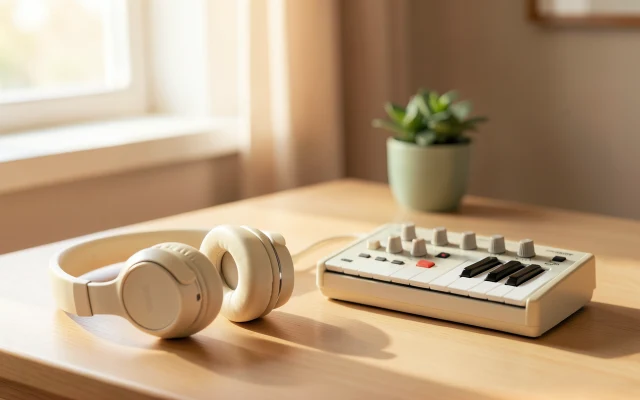



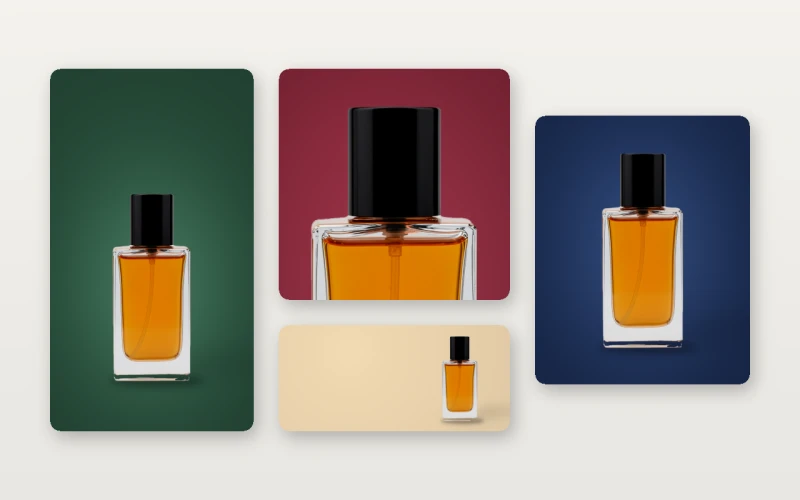

How do I generate images in Cursor?
Add Vercanto to Cursor as an MCP server and ask the agent for the image where you need it. It calls generate_image and can download the file into your project. One image costs 12 credits ($0.12) on the default model, and an exact pixel size, such as a 1200 × 630 social card, costs 1 credit ($0.01) more.
A real example
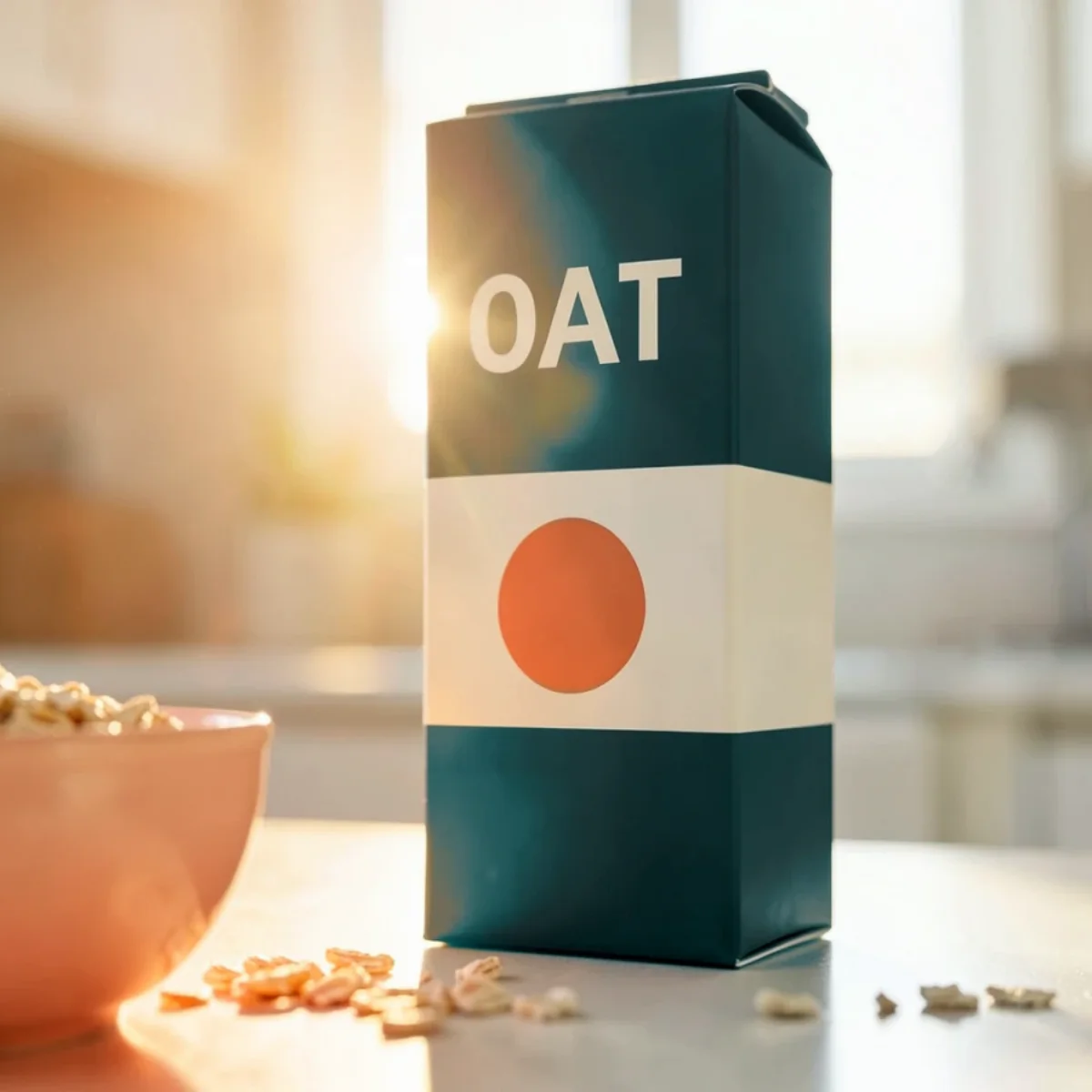 1200 × 1200
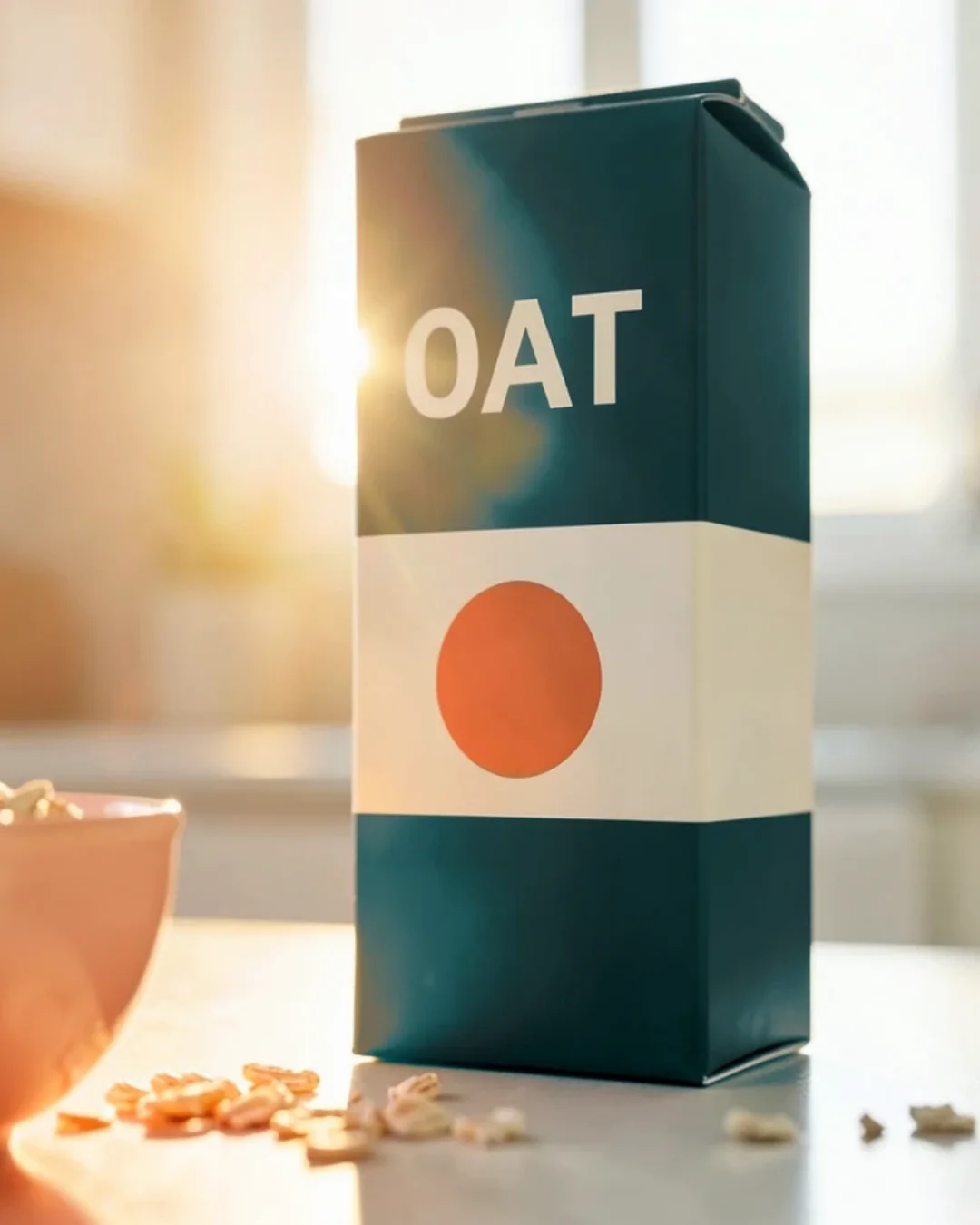 1080 × 1350
Steps
- Press Add to Cursor on this page, or add the server to ~/.cursor/mcp.json. Then open Cursor settings, find Vercanto under MCP and sign in.
- In the agent chat, say what the image is for and its shape: a 16:9 hero photo, a square product shot, three empty-state illustrations.
- Ask for exact pixel sizes when a platform needs them. The agent renders them with render_html_image, so 1200 × 630 is exactly 1200 × 630.
- Ask for a transparent PNG or a larger version for high-density screens in the same chat.
- Tell the agent where the files go, for example public/images, and let it wire them into the page.
What to type
Generate a 16:9 hero photo for this landing page: a carton of oat milk on a sunlit kitchen counter. Then make exact 1200 × 1200 and 1080 × 1350 versions and save all three in public/images.
Updated
Without an assistant: on the site
You can do the same without Cursor: open the Nano Banana 2 page on Vercanto. Its composer has a box for your request, slots for your files and the price of your settings; press Generate and the result is saved in your library.
Generating needs a Vercanto account with credits. The page asks you to sign up when you press Generate and keeps what you typed.
Good to know
- The agent can read your stylesheet first and match the image to the site's colours. Say so in the request.
- Results are saved in your Vercanto library with links you can share, so the same image can be reused from Claude or ChatGPT.
- A generation that fails is refunded in full, automatically.
Questions
Can Cursor generate images without an MCP server?
Cursor's agent has no image model. It can make images once an MCP server with image tools is connected; Vercanto is one, with 14 image models.
How do I get an exact Open Graph image size?
Ask for the size in pixels. The agent calls render_html_image, which lays the picture out and returns exactly that size for 1 credit ($0.01).
Can it remove a background or upscale an image too?
Yes. remove_background returns a transparent PNG and upscale_image enlarges up to four times, over the same connection.
What does an image cost from Cursor?
12 credits ($0.12) on the default model, Nano Banana 2, plus 1 credit ($0.01) for each exact pixel size.
Where do the files go?
Where you tell the agent, for example public/images, and into your Vercanto library with links you can share.
Can I do this without Cursor?
Yes. Open the Nano Banana 2 page on Vercanto, type your request, add your files if the job needs them and press Generate. The price of your settings shows before you press, and the result is saved in your library.
Who owns what I make, and can I use it?
You keep the rights you have in what you upload and what you generate, subject to the terms of the model providers. You give us the permissions needed to store and process it for you. We do not use your content to train AI models. Uploading media or passing it to the service (as a file, a link or an asset id) means you confirm that you own it or have the consent of everyone who appears or is heard in it; a false confirmation is a violation of these terms.
Can I use what I make?
This is what the terms say about what you upload and what you generate:
You keep the rights you have in what you upload and what you generate, subject to the terms of the model providers. You give us the permissions needed to store and process it for you. We do not use your content to train AI models. Uploading media or passing it to the service (as a file, a link or an asset id) means you confirm that you own it or have the consent of everyone who appears or is heard in it; a false confirmation is a violation of these terms.