




Keyboard shortcuts of the video editor
The editor works with a mouse, a finger or the keyboard. Press ? in the editor to see this list there. On a Mac, use ⌘ where it says Ctrl.
Open the editor
Free, in your browser: no account, no watermark, no subscription required. Your files stay on your device unless you choose a paid AI action.
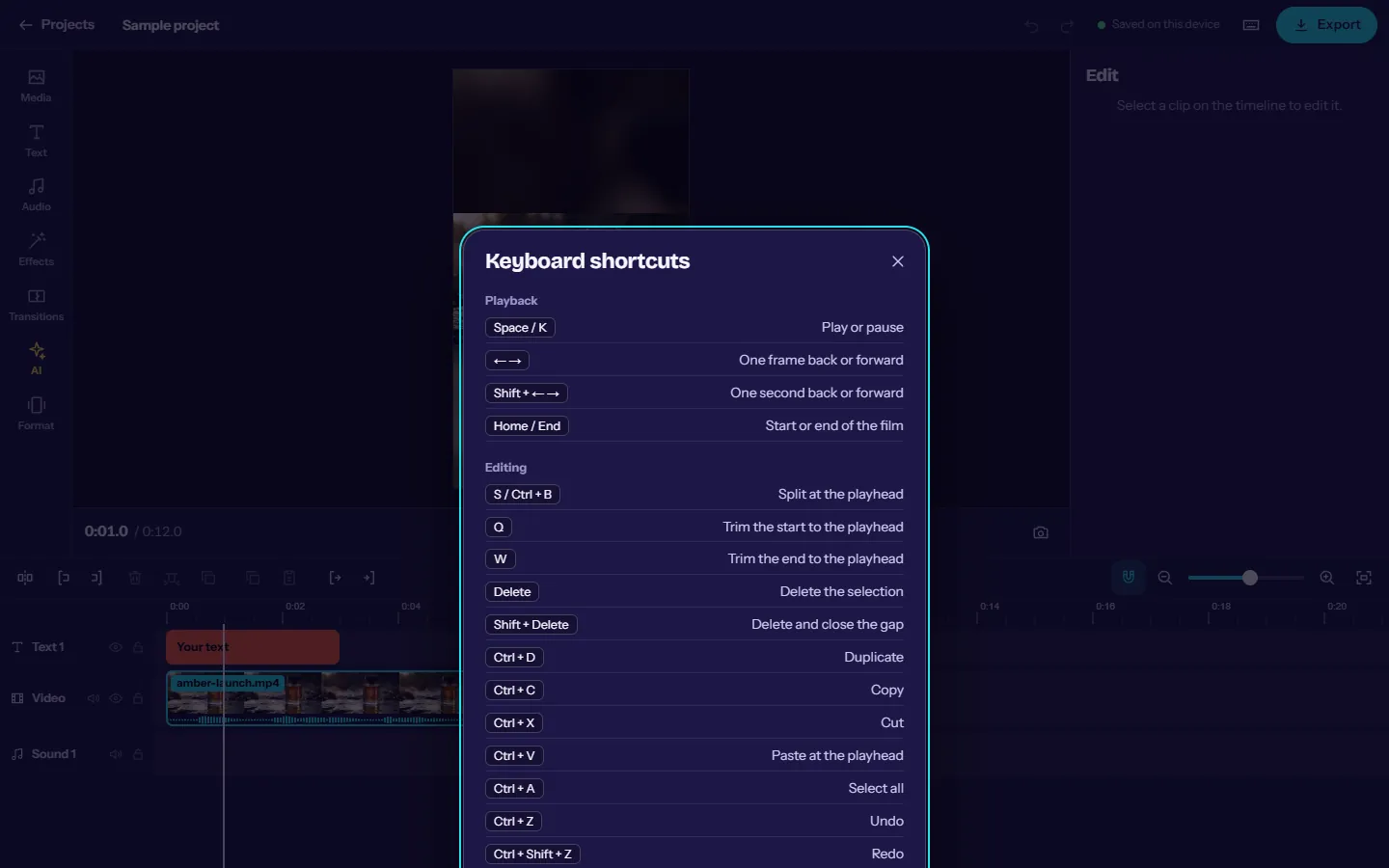
Playback
| Keys | What it does |
|---|---|
| Space / K | Play or pause |
| ← → | One frame back or forward |
| Shift + ← → | One second back or forward |
| Home / End | Start or end of the film |
Editing
| Keys | What it does |
|---|---|
| S / Ctrl + B | Split at the playhead |
| Q | Trim the start to the playhead |
| W | Trim the end to the playhead |
| Delete | Delete the selection |
| Shift + Delete | Delete and close the gap |
| Ctrl + D | Duplicate |
| Ctrl + C | Copy |
| Ctrl + X | Cut |
| Ctrl + V | Paste at the playhead |
| Ctrl + A | Select all |
| Ctrl + Z | Undo |
| Ctrl + Shift + Z | Redo |
| Alt + ← ↑ → ↓ | Nudge the selected layer (with Alt) |
| Shift + F10 | Open the selected clip's menu |
| Esc | Clear the selection |
Marking a part
| Keys | What it does |
|---|---|
| I | Mark in |
| O | Mark out |
| Shift + X | Cut out the marked part |
| Alt + X | Clear the marks |
View
| Keys | What it does |
|---|---|
| + / − | Zoom the timeline |
| N | Snapping on or off |
| Ctrl + E | Export |
| ? | This list |