





How to trim a video online
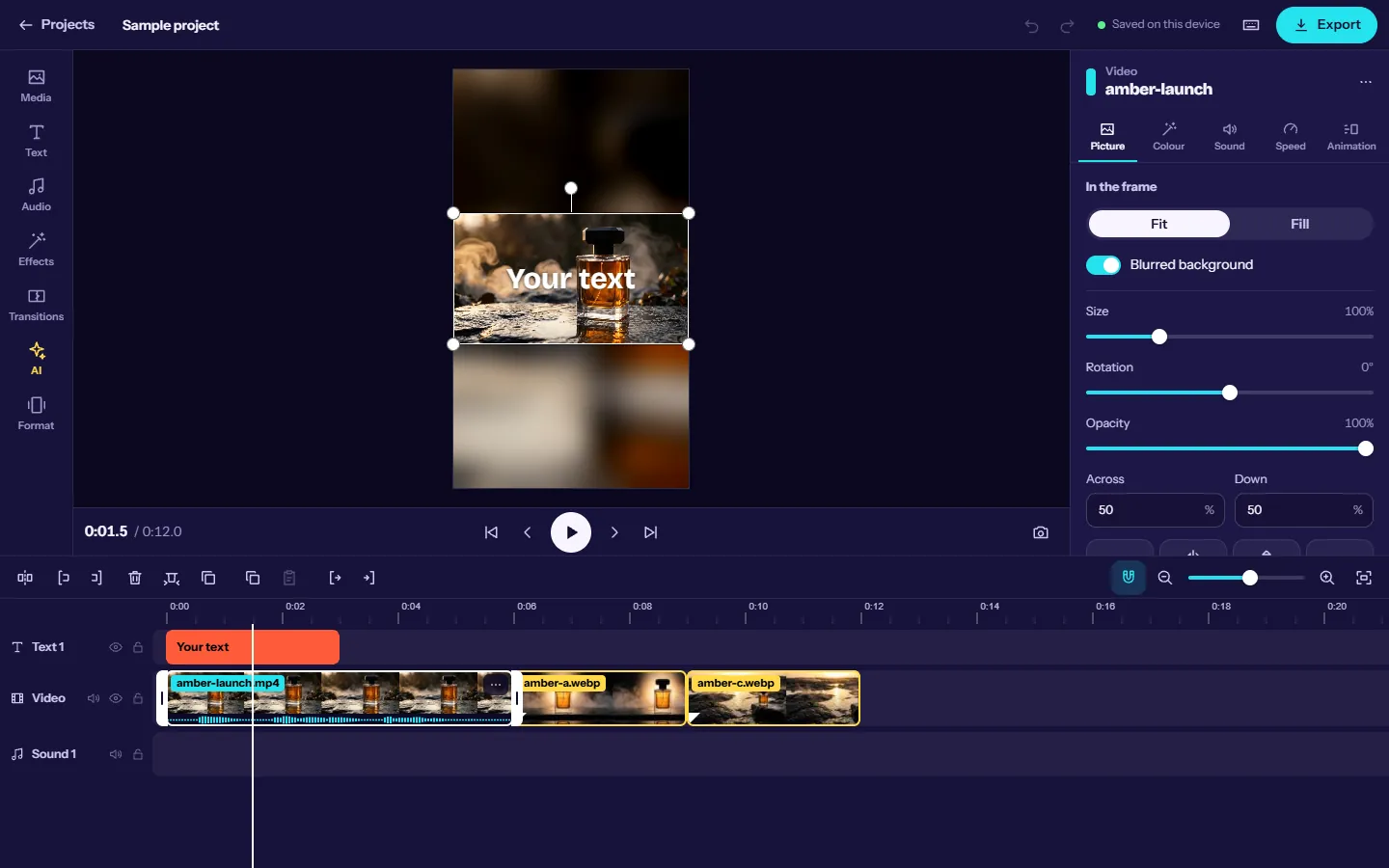
Select the clip and drag its left or right edge, or put the playhead where the clip should start or end and press Q (trim the start) or W (trim the end). Trimming happens in your browser and sends your video nowhere.
Free in the editor
Open the editor
Free, in your browser: no account, no watermark, no subscription required. Your files stay on your device unless you choose a paid AI action.
Steps
- Open your video in the editor and select its clip on the timeline.
- Drag the handle at the clip's start or end. With snapping on, it catches the playhead and other clips.
- Or move the playhead and press Q to cut away everything before it, or W for everything after it.
- If a gap is left at the start, close it: right-click the empty space and choose "Close this gap".
Updated on .