





How to add an AI voice-over to a video
Open AI in the editor, choose "Voiceover from text", type the words and press the button. It uses Vercanto credits: the card shows the price, and once you are signed in the exact price for your text is on the button before you press it. Only the words you type are sent. The voice-over lands on a sound track at the playhead.
Uses credits
Open the editor
Free, in your browser: no account, no watermark, no subscription required. Your files stay on your device unless you choose a paid AI action.
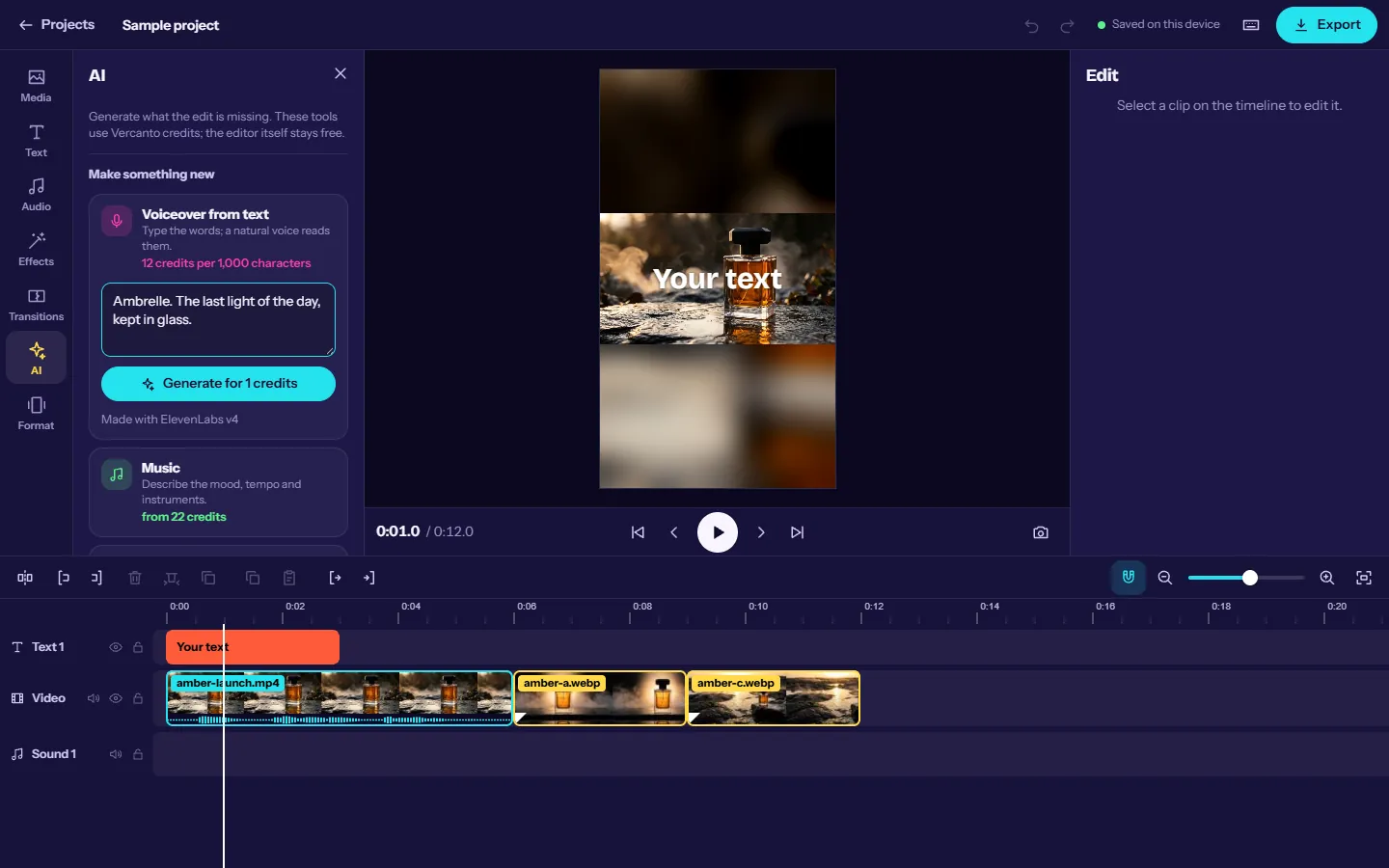
Steps
- Sign in to Vercanto (you need credits).
- Move the playhead to where the voice should start.
- Open AI, then "Voiceover from text", and type exactly what should be said.
- Check the price on the button and press it. A card shows the progress; you can keep editing.
- Set the voice-over's volume, and lower the music under it.
Updated on .