





How to make music for a video with AI
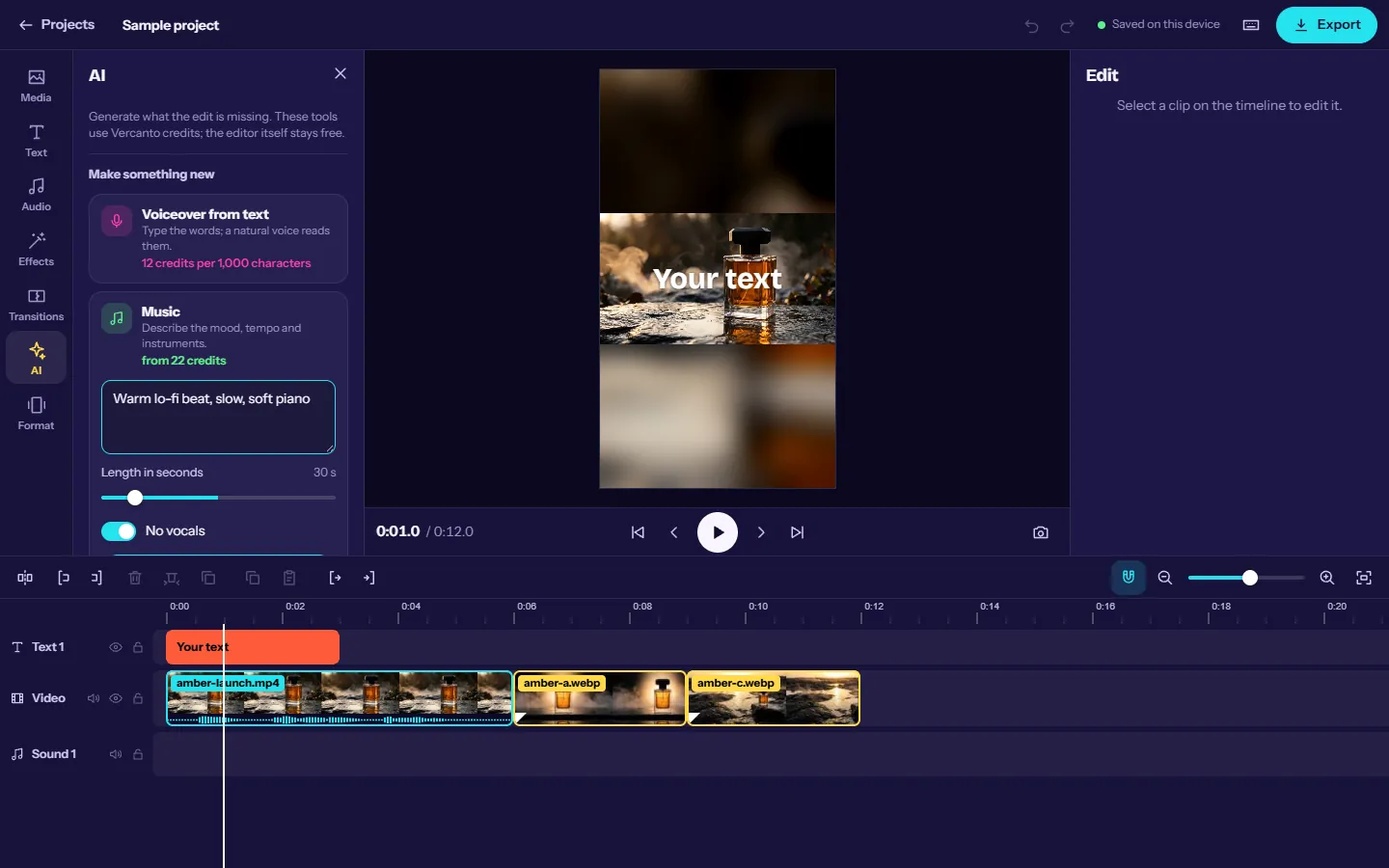
Open AI, choose Music, describe the mood, tempo and instruments, set the length and press the button. It uses credits: the card shows the price, and the exact price is on the button before you press it. The track lands on a sound track at the playhead.
Uses credits
Open the editor
Free, in your browser: no account, no watermark, no subscription required. Your files stay on your device unless you choose a paid AI action.
Steps
- Sign in to Vercanto.
- Open AI, then Music. Describe it ("warm lo-fi beat, slow, soft piano") and choose the length; leave No vocals on for a track without singing.
- Check the price on the button and press it.
- Trim the track to your video's length and fade it out.
Updated on .