





How to add captions to a video
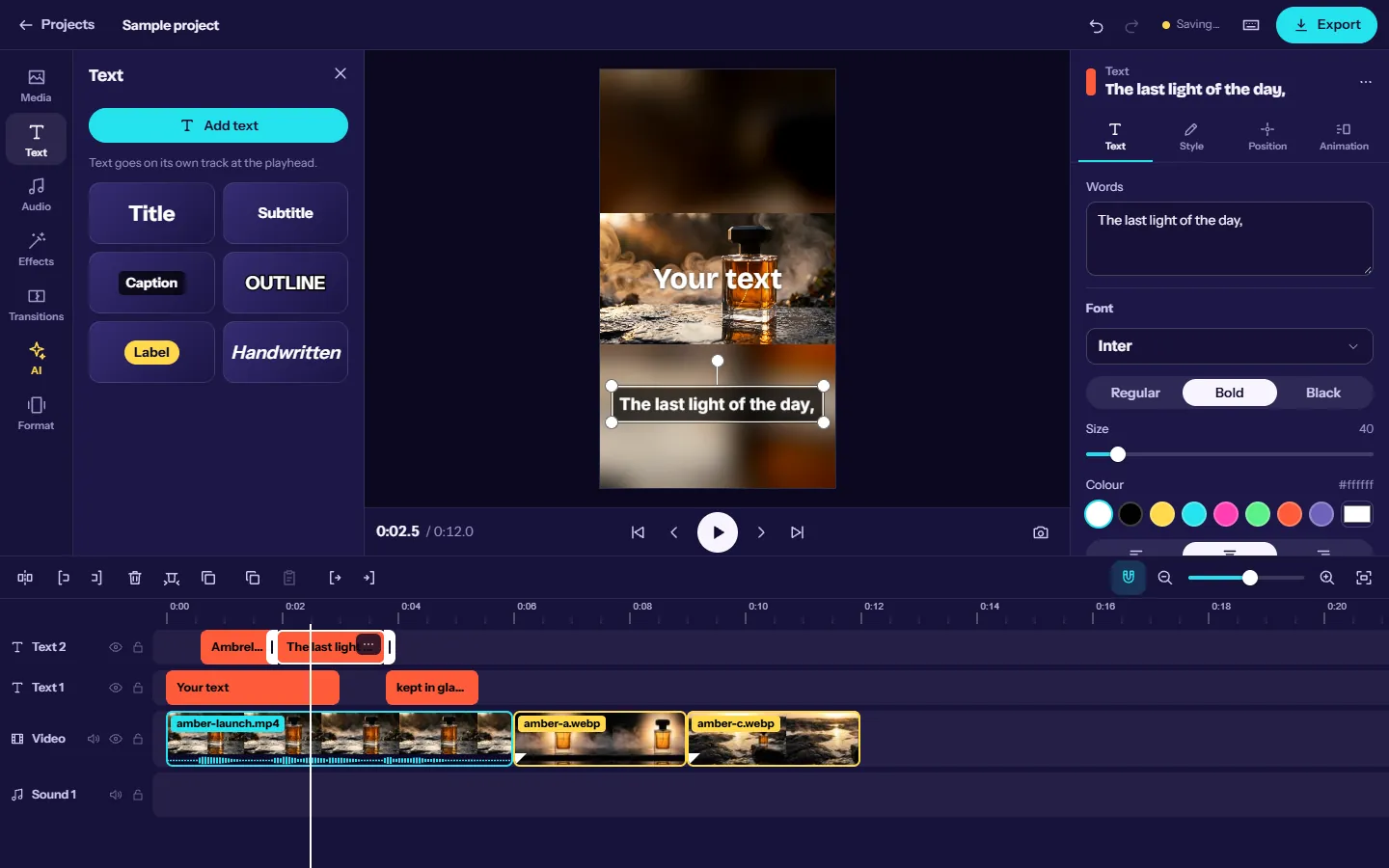
You can type captions yourself, which is free in the editor: add a text with the Caption style for each line and set when it shows. Or let Vercanto write them from the speech: select the clip (or none, for the whole video), open AI and choose "Captions from speech". That uses credits, and the price appears before you confirm.
Free in the editor
Open the editor
Free, in your browser: no account, no watermark, no subscription required. Your files stay on your device unless you choose a paid AI action.
Steps
By hand (free in the editor)
- Open Text and choose the Caption style.
- Type the line, place it near the bottom, and drag its ends on the timeline to match the speech.
- Duplicate it (Ctrl + D) for the next line and change the words.
From the speech (uses credits)
- Sign in to Vercanto. Select the clip with the speech, or select nothing to caption the whole video.
- Open AI and choose "Captions from speech"; pick a style and the language (or Detect).
- Press Continue. The window shows the file that will be sent (only the sound, made on your device), the price in credits, and how long things are kept: the file stays in your Vercanto library until you delete it, and without a membership results are deleted after 14 days. Tick the rights box and send.
- The captions arrive as text clips on a new text track, timed to the words. Edit any of them like other text.
Updated on .