
Kling Avatar 2.6 Pro
Turns one photo and a voice track into a natural talking-head video.
kling-avatar-2.6At a glance
- Type
- Video
- Made by
- Kuaishou
- Model id
kling-avatar-2.6- Status
- Current
- Lowest price
- 13 credits per second
What it costs
Prices in credits, worked out by the same rules billing uses. One credit is one US cent at list price, and every response states what a generation cost.
| Option | Credits | US dollars |
|---|---|---|
| per second | 13 | 0.13 |
A 5-second clip at 720p costs about 61 credits, or 0.61.
Using Kling Avatar 2.6 Pro through the API
The model id is kling-avatar-2.6. Call it over REST at POST https://vercanto.com/api/v1/tools/generate_speech with "model": "kling-avatar-2.6", or from any MCP client through the generate_speech tool.
curl -X POST https://vercanto.com/api/v1/tools/generate_speech \
  -H "Authorization: Bearer mp_your_key" \
  -H "Content-Type: application/json" \
-d '{"model":"kling-avatar-2.6","prompt":"Make this headshot present the attached 15-second voiceover, friendly and calm.","image_url":"ast_…","reference_audio_urls":["ast_…"]}'Questions
Do I need a subscription to use Kling Avatar 2.6 Pro?
No. $10 buys 1,000 credits, usable on any model, and purchased credits never expire. Memberships are optional.
What happens if a Kling Avatar 2.6 Pro job fails?
The credits it took are returned automatically, in full.
Can I use Kling Avatar 2.6 Pro from Claude or ChatGPT?
Yes. Connect Vercanto once as a connector or MCP server, then ask for Kling Avatar 2.6 Pro by name in the chat.
Options
What you can set when you ask for Kling Avatar 2.6 Pro. Your assistant fills these in from your request.
Nothing to set: give it the file and it does the rest.
What it takes
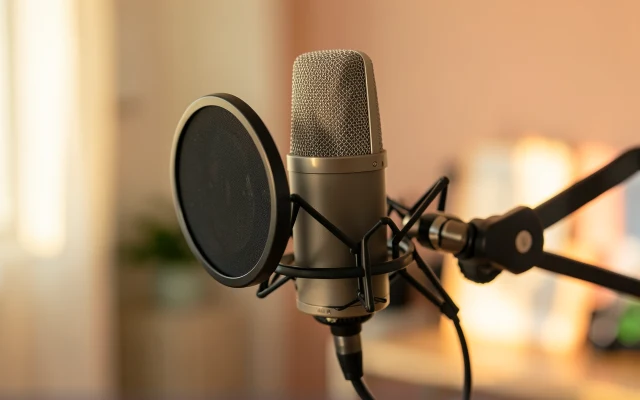
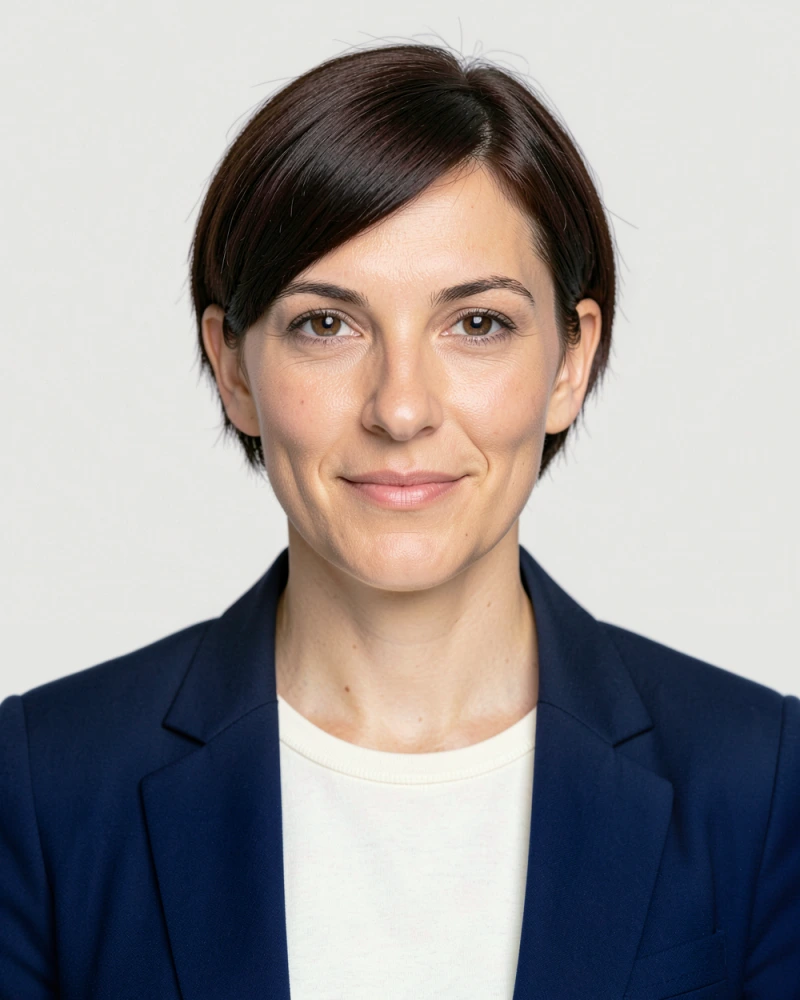
- A photo of the face and the speech as audio
Example prompt
Use it from your assistant
- Connect Vercanto to your assistant once: one address, one sign-in.
- Ask in your own words and mention Kling Avatar 2.6 Pro. Without a model name your assistant uses the default for the job.
- The result comes back in the chat and is saved to your library with a permanent link.
What your assistant sends
The tool call behind a request like the one above. The same call works over REST.
generate_video {
  "model": "kling-avatar-2.6",
  "prompt": "Make this headshot present the attached 15-second voiceover, friendly and calm.",
  "image_url": "ast_…",
  "reference_audio_urls": [
    "ast_…"
  ]
}